Payments APP
LianLian pay - Thailand Plugin
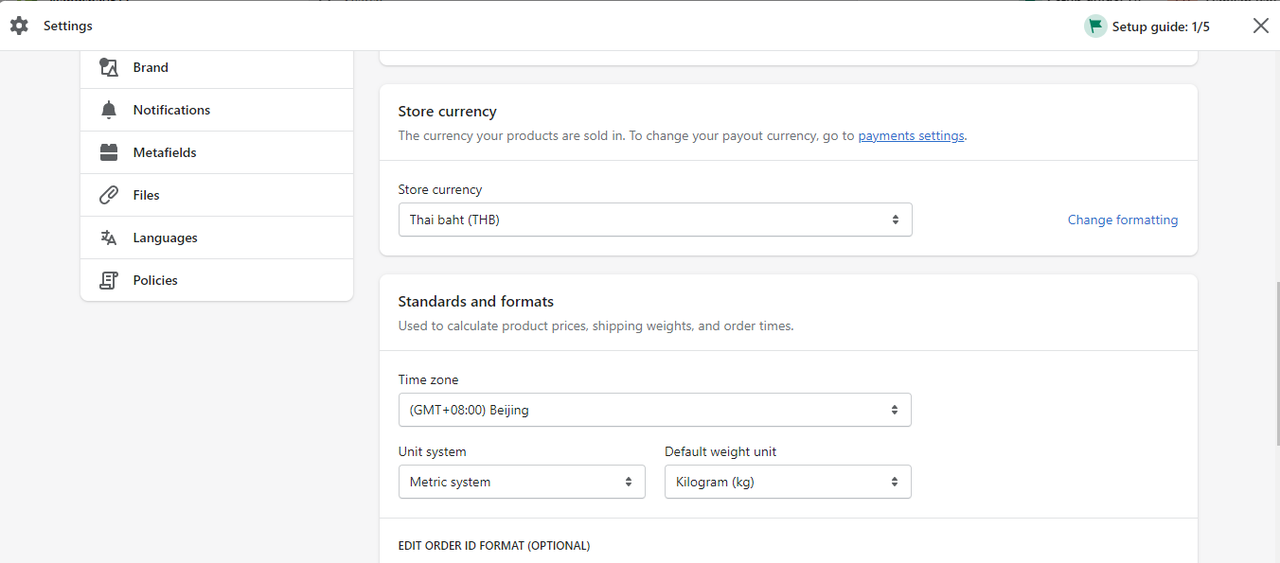
Step 1: Store currency set up
Currently THB and foreign currency (USD, VND, AED, GBP, EUR, JPY, AUD, NZD, HKD, SGD, CHF, BDT, BND, CAD, CNY, DKK, IDR, INR, KRW, KWD, LKR, MOP, MYR, NOK, NPR, OMR, PHP, PKR, QAR, RUB, SAR, SEK, TWD, ZAR, BHD) are available for Lianlian Pay. Please make sure your store base currency is set up in currency as you applied with us.
Step 2: Add LianLian pay - Thailand
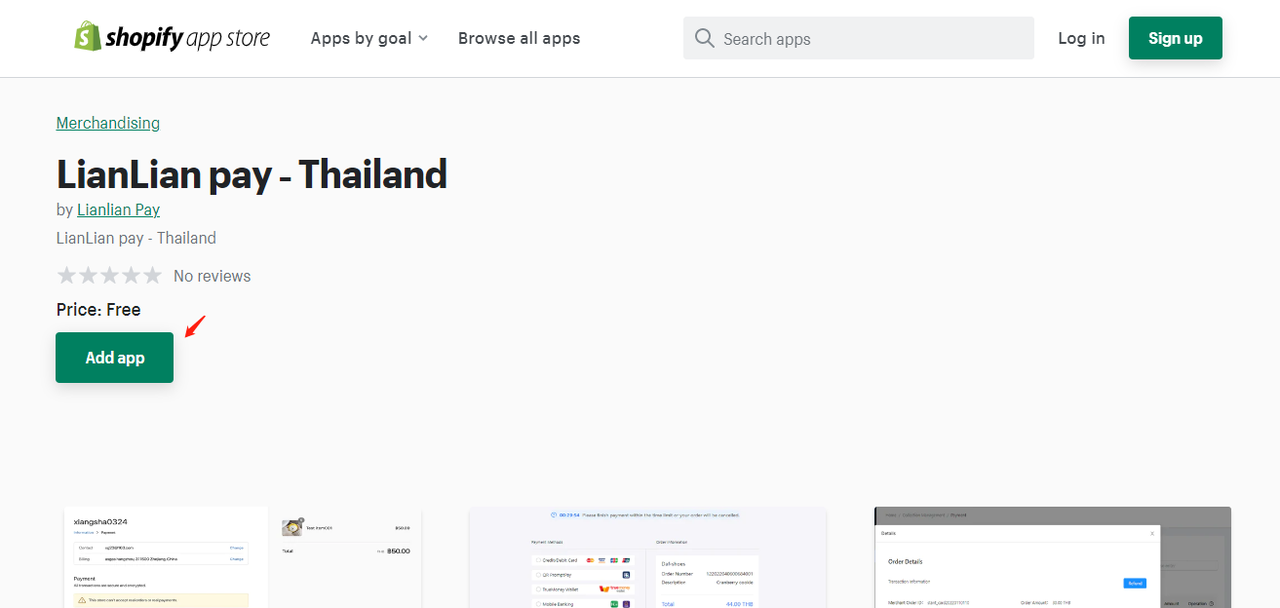
- 1. Click Add APP
- 2. Click Install APP
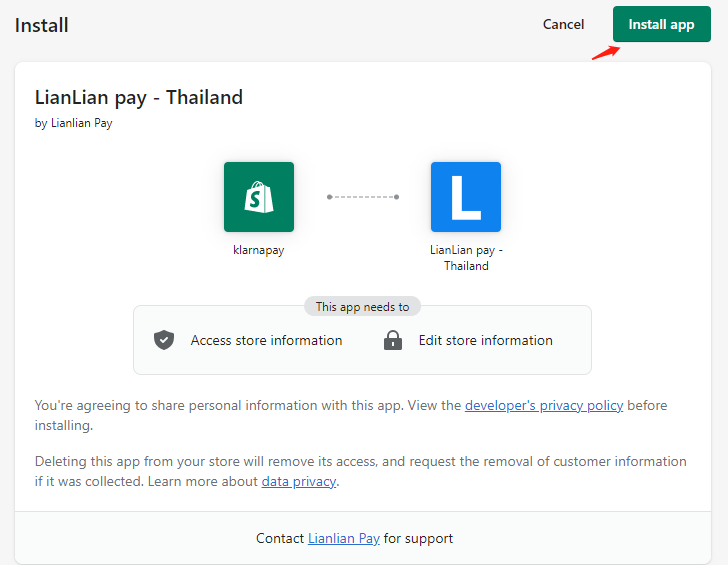
- Now you've successfully installed this APP.
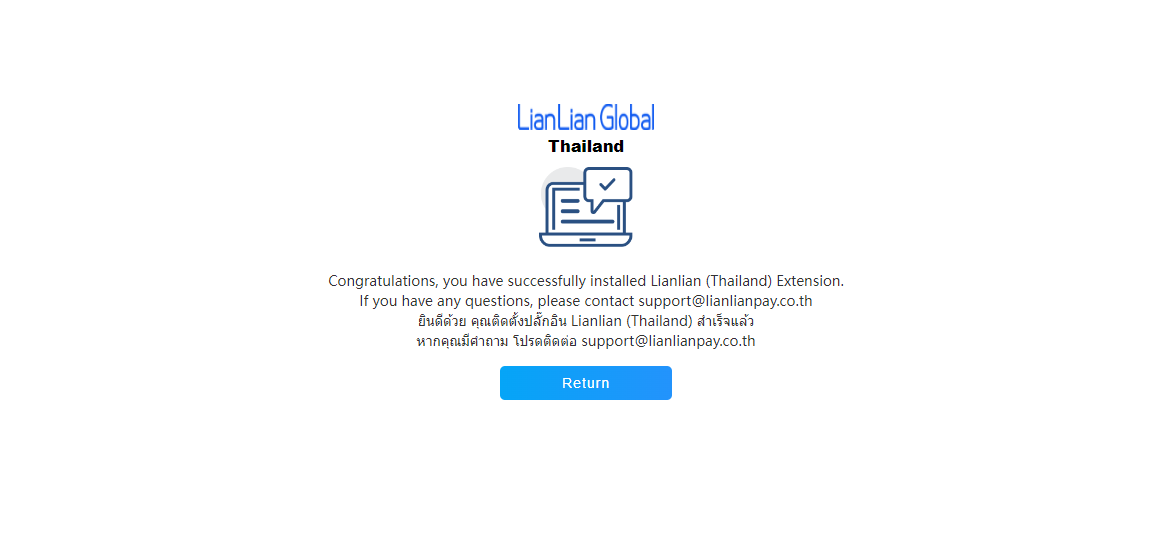
- 3. Continue Activate LianLian pay - Thailand
- Check Payment methods your store has been enabled.
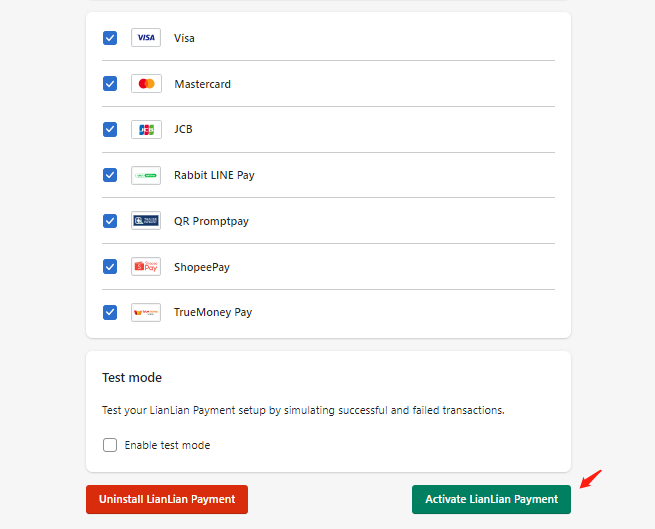
Shopify checkout page could only display a maximum of 4 payment icons. Selecting your client’s most preferred payment methods to be appeared on the checkout page is truly recommended.

Step 3: Add LianLian Extention
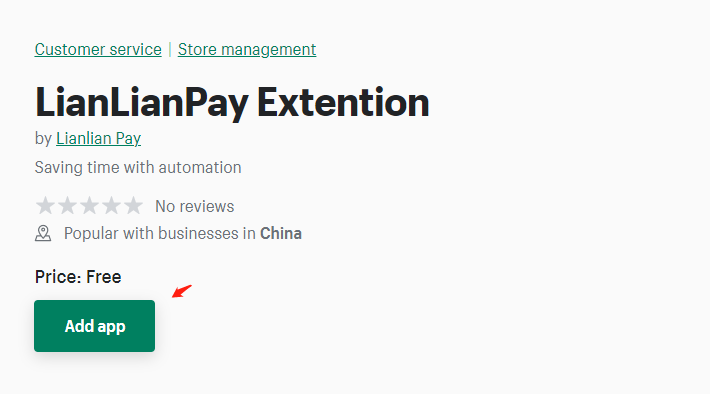
After you Installed LianLian pay - Thailand APP, do NOT forget to install LianLianPay Extention. This app helps you to find Shopify payment orders on LianLian portal.
Please find APP here: https://apps.shopify.com/lianlianpay-extention
- You've successfully installed the APP.
Please ensure that you have installed LianLian pay - Thailand APP app and LianLianPay Extention via shopify app store, and send your shopify domain (with format xxxx.myshopify.com) to connect your store with LianLian at cs-thaipay@lianlianpay.com
Step 4: Make a test transaction
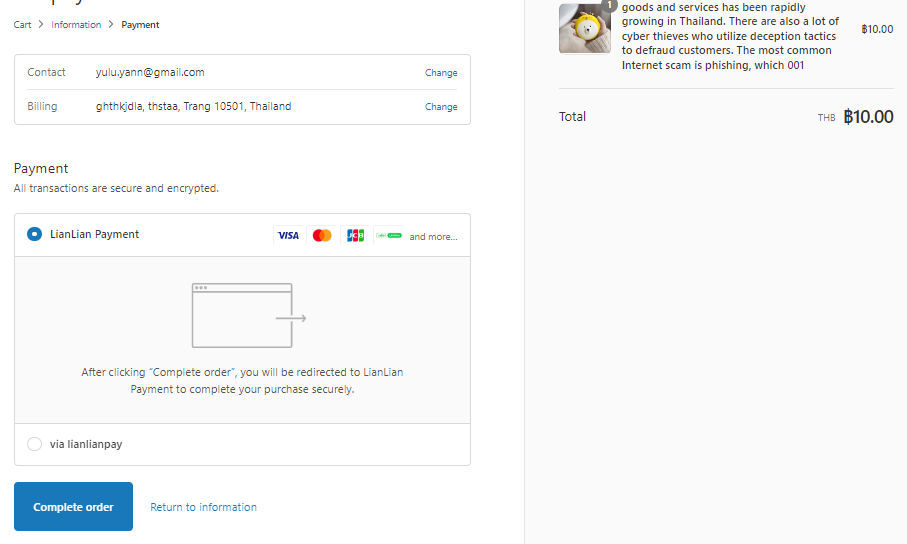
- Select LianLian Payment and click Complete order
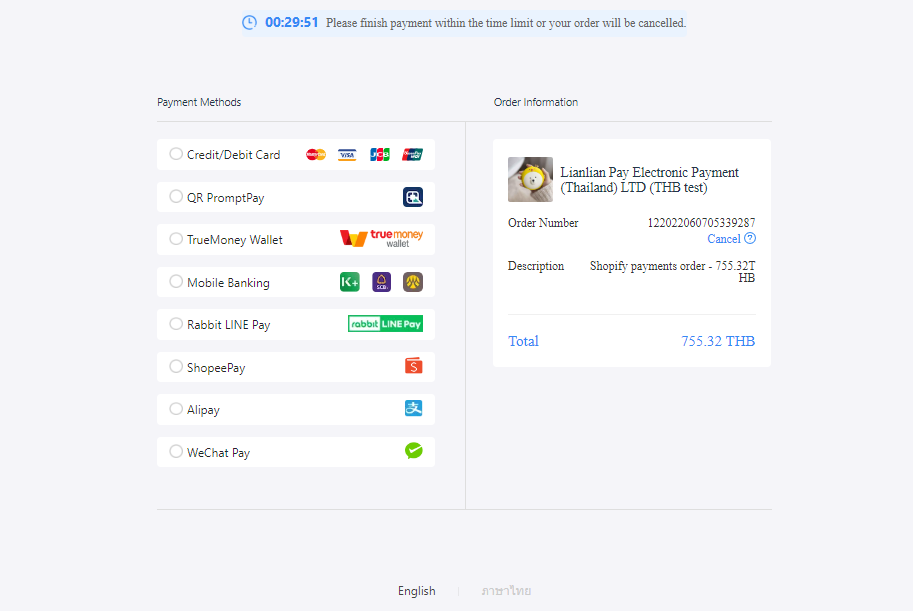
- Please check if buyer can be successfully redirected to LianLian Payment Page
How to deactivate LianLian Pay (for LianLian existing Merchants)
Below is for LianLian Thailand merchants who previously activated LianLian pay as store third party payment provider. As Shopify will officially deprecate it after July 21, 2022, please remember to deactivate LianLian Pay after you finished steps stated above.
- 1. Go to Settings, and find Payment. Click on Manage
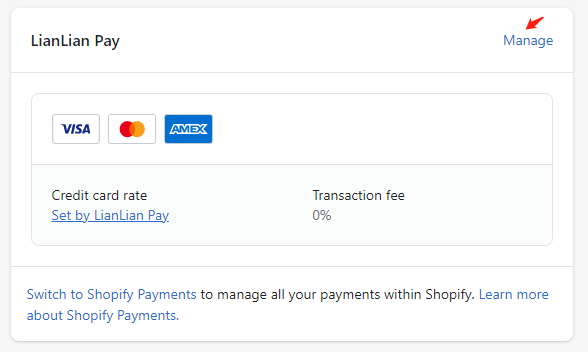
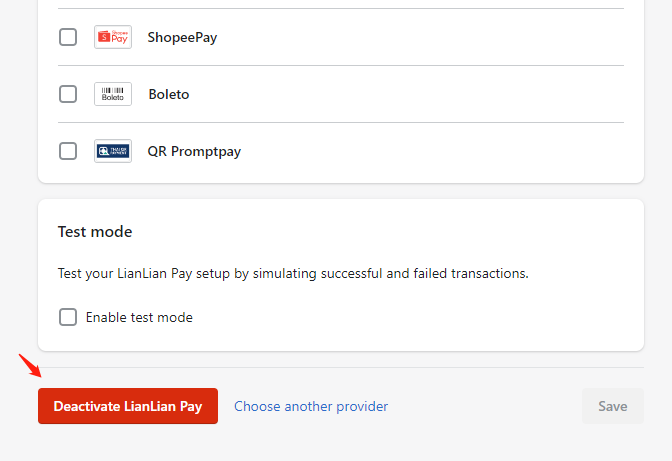
- 2. Click on Deactivate LianLian Pay